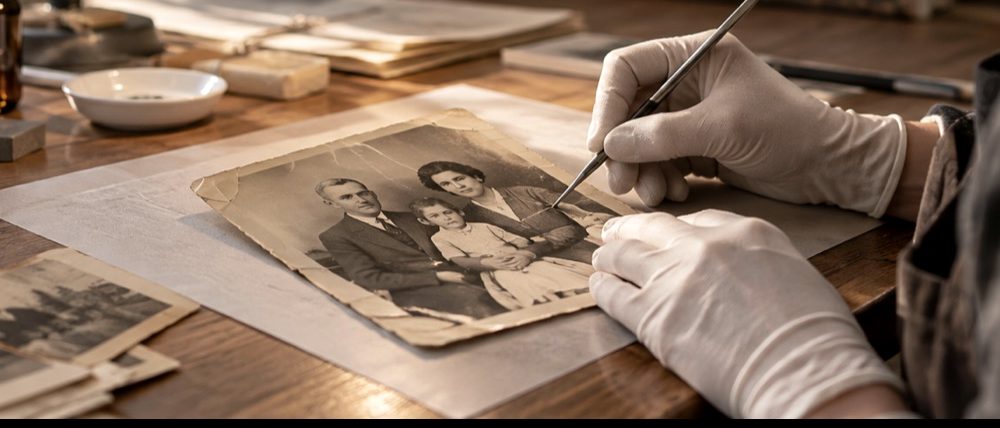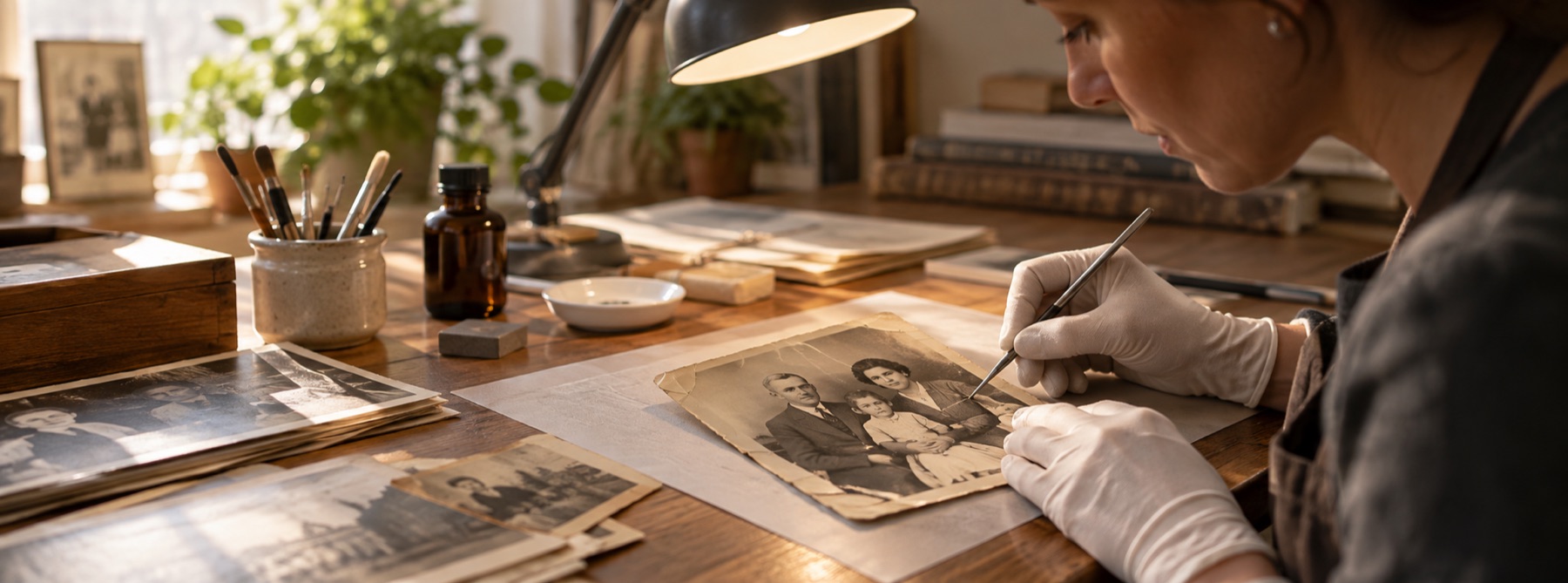
What this mode does
The batch runs the same detector, the same fill and the same tone functions as the bench, in the same worker. What differs is who decides the settings. Instead of one sensitivity for the folder, each scan’s threshold is walked down until the count of marked pixels jumps, because damage survives a rising threshold and grain does not, and the reading is taken at the rung above the jump, capped by the ceiling you set.
Each scan’s three channels are then measured for the range they kept, outside the damage, and stretched by what that measurement earned. A scan that kept its range and showed no damage gets nothing done to it at all.
When this is the wrong tool
- A badly torn or creased print needs looking at: open it on the bench, where you can see and edit the mask.
- The batch never redraws anything with a model.
- Scans are read one at a time to keep one full-resolution picture in memory; a large box takes a while on a phone.
Questions about batch restoration
Can I restore a whole album of scans at once?
Yes. Choose the whole folder. Each scan is read on its own: its sensitivity is calibrated to how much of that picture you are prepared to believe is damage, and its fade strength comes from the range its own channels kept. Then the folder comes back as one ZIP.
Why does one setting not work for every scan?
Because scans of different prints differ more than one slider can follow. A setting that finds the dust on a clean print marks the grain on a grainy one, and a fade stretch that helps a pale print damages one that kept its range. Measuring each file is slower to explain and the only way that works.
What happens to a scan that needed nothing?
It is handed back as the bytes it arrived as. Re-encoding a clean JPEG would cost it a second generation of loss and its metadata for nothing, so the archive holds the original file and the row says nothing was found.
Does the batch use the AI model?
No. Inventing picture needs a person to look at what was invented, one photograph at a time, so the batch never runs a model. Regions classified gone are left unfilled and counted in each file's record; open those scans on the bench one at a time.
What is in the ZIP besides the pictures?
A plain-text record beside each file: the reading it got, what was marked, how many regions were classified gone and left alone, the tone measurement and the stretch applied, and whether the file was returned untouched.