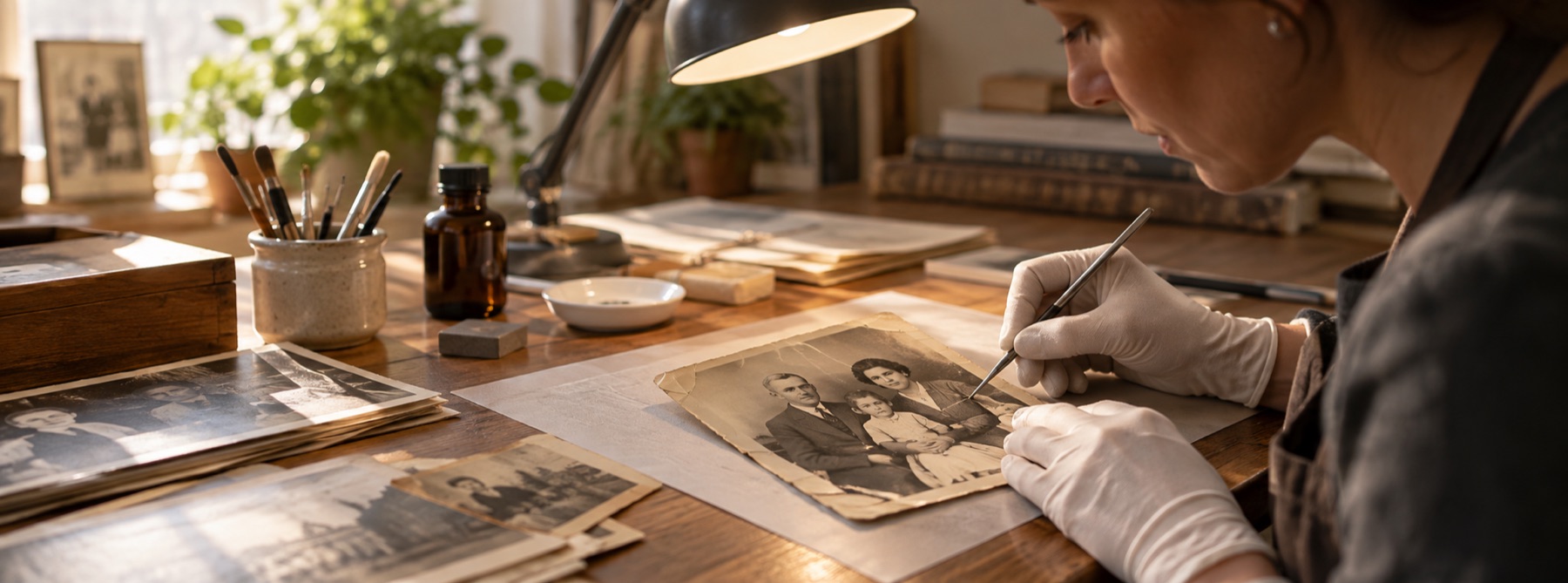
Restored, now colourise it
A restoration ends at a definite place, and it is worth knowing where, because the two jobs on either side of that line feel similar and are not. Everything this page does is recovery of something the scan already contains. What comes next is invention, and invention is a different craft with different tools and a different standard for being right.
What recovery means here
Take a faded colour print. Its blue channel occupies levels 61 to 198 instead of 0 to 255. That is a fact about the file, measurable in a histogram, and stretching it back is a reversible arithmetic operation on data that is present. Nothing is guessed. If two people did it independently with the same clipping tolerance they would get the same numbers, and if you disagree with the result you can point at the histogram and say why.
The same is true of the fill. A hairline scratch is closed from intact picture a few pixels away, so the value written into each hidden pixel is derived from values that were actually recorded, by a rule anyone can inspect. It is an estimate, but it is an estimate constrained on all sides by evidence.
What a monochrome print does not contain
Now take a black-and-white print. Every pixel has one number: how much light. There is no separate record of the colour of the coat, and there never was — the photographic process discarded that information at the moment of exposure, sixty years ago. Stretch all three channels of a scan of it and you get three identical channels with more contrast in them, which is a grey photograph with its range back. That is the correct answer, and it is why the tone controls here say plainly that they add no colour.
Where the other half of the job lives
Putting colour into a monochrome photograph is a different operation with a different honest description: a model that has seen a great many colour photographs proposes what colour things of this shape usually are. Skin usually falls in a range. Grass is usually green. The coat could be anything, and whatever it becomes is a plausible guess rather than a recovered fact — which is fine, and worth doing, as long as nobody is told it is a measurement.
That work is not part of this repair, and this site does not do it today. It is a recolour operation rather than a repair, and whichever tool you use for it, the sensible order is this one: repair the scan here first, because damage confuses a colouring model as much as it confuses a person — a scratch across a face reads as a feature and gets coloured as one. A clean, contrast-corrected greyscale file is the right input to that step, and it is what this page produces.
Save it as PNG on the way out
If the picture is going on to another tool, export PNG rather than JPG. A restored JPG re-encoded as a JPG carries a second generation of compression artefacts into whatever happens next, and those artefacts are exactly the kind of local structure that a later stage will treat as content. PNG costs more bytes and nothing else.