What this mode does
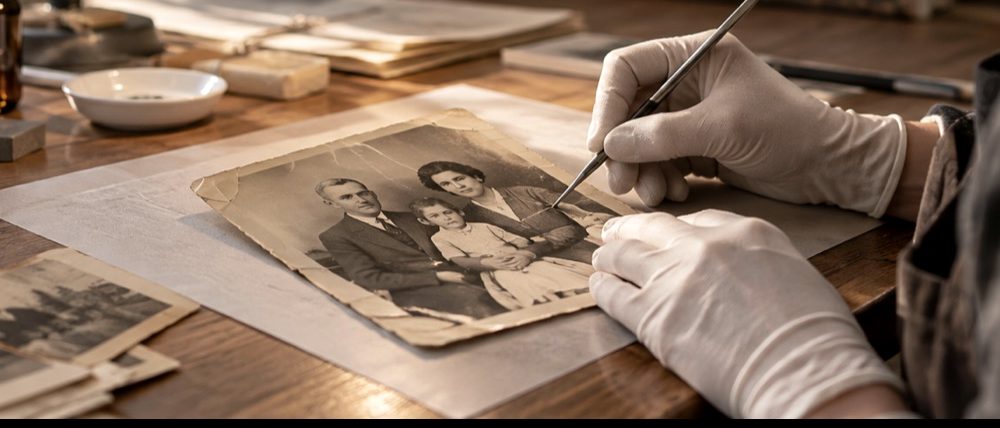
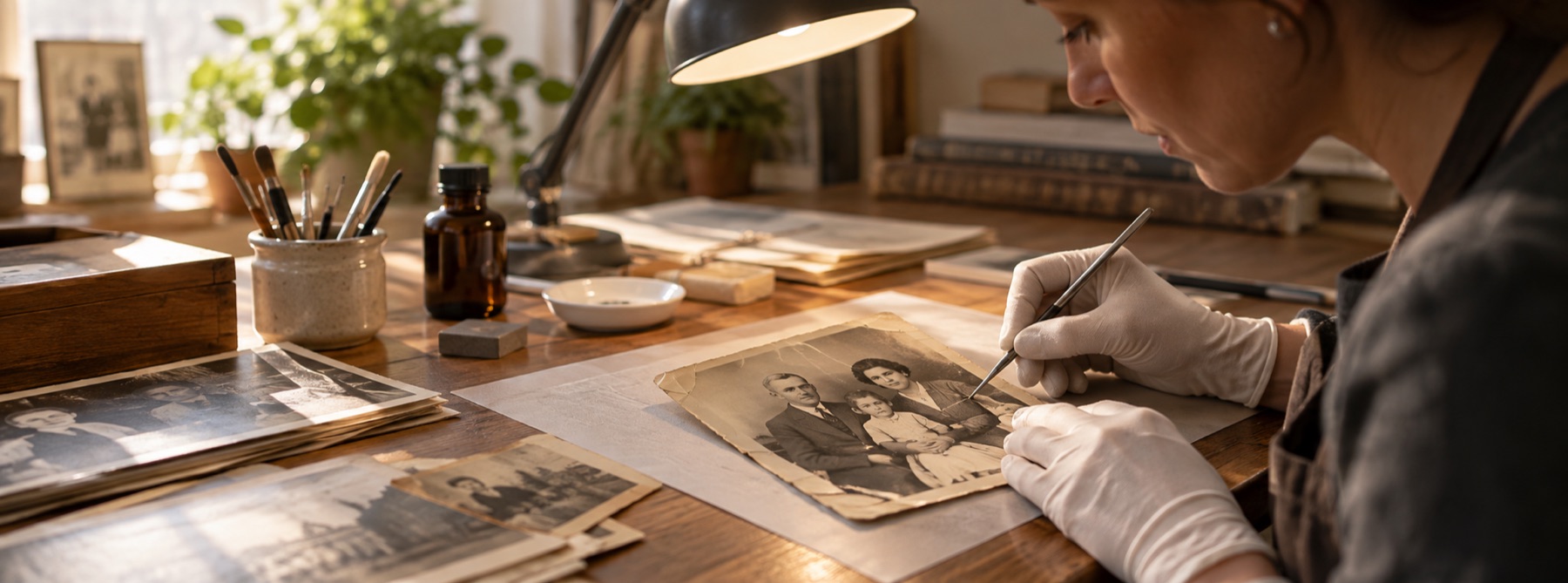
A tear is three problems at once. The hairline where the halves meet is narrow damage with picture on both sides, and the local fill closes it. The torn edge, where the paper fibres lifted, is texture, and the heal brush carries texture from nearby. A piece that is missing has nothing beside it in the middle, and the only thing that can fill it is a model, which invents.
So the regions are classified first, by the one question that matters: is the picture continuous underneath this? The record column counts each class before anything is filled, and the automatic pass never fills a region classified gone.
When this is the wrong tool
- Two separately scanned halves are not aligned automatically yet. Scan the print reassembled.
- A face that is torn away cannot be recovered. A model will draw a face; it will not draw this person's.
- A fold that did not tear is a crease, and the crease route is tuned for it.
- Very wide damage is past what the model is good at too: each square it draws is 512 pixels of invented picture.
Questions about torn prints
Can a torn photo be repaired without inventing anything?
The tear line itself, often. Where the two halves meet again and only a hairline of picture is missing, intact picture lies within a few pixels on both sides and the marching fill closes it from that. A piece that is missing altogether is different: nothing on the paper says what was there, and anything that fills it is invented. This page tells you which is which before it fills anything.
What do the three classes mean?
Every marked region is sorted before anything is filled. Continuous underneath means intact picture surrounds it closely, so the fill can close it. Partly present means it is wider, or less surrounded, so heal and then a model if you ask for one. Gone means it is too wide or too isolated for anything to recover; the automatic pass leaves it alone and says so.
What happens if I ask the model to redraw the missing corner?
A model downloads to your device (its size is shown first), draws a plausible continuation of what surrounds the hole, and writes only inside the mask. On this page the invention overlay stays on afterwards and the record counts every invented pixel. It is a reconstruction, never a recovery, and the page never calls it one.
There is a tear across a face. What will it do?
Run the face guard first (a 224 KB detector). A region covering more than a quarter of a found face is classified gone and is not redrawn by the automatic scope, and any redraw square that overlaps a face asks you to confirm before it runs, because the model does not know what that person looked like.
Should I scan the torn print in pieces?
Lay the pieces together on the scanner glass, as close as they will go, face down, with a sheet of black card behind them. One scan of the reassembled print gives the fill something to work from on both sides of every tear; two separate scans do not yet line up automatically on this page.
Related
- AI photo restorationOpens on the model panel, for the damage a local fill cannot close.
- Narrow print creasesThe local fill opened at its widest reach for a thin fold with intact picture on both sides.
- What restoration cannot bring backSilvering, mould, missing faces, and the honest end of the list.
- Scratches, tears and creases are three different problemsOne taxonomy, three fills, one of them built — and what a model does instead.