What this mode does
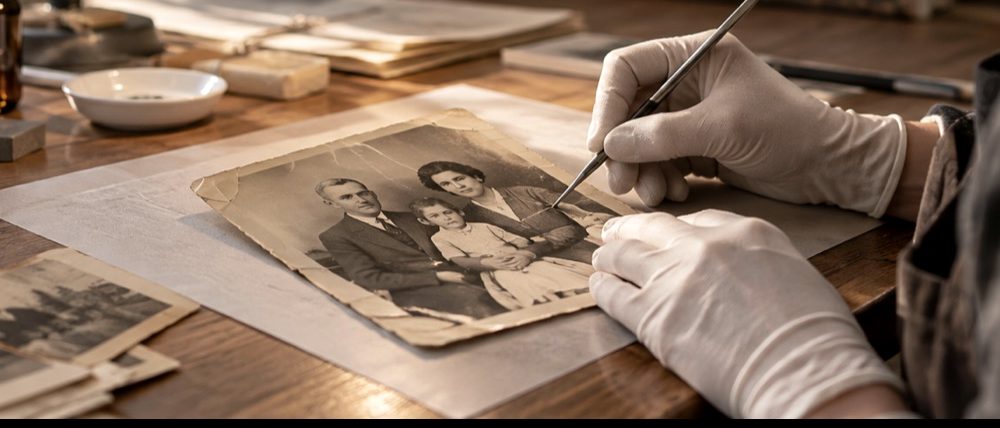
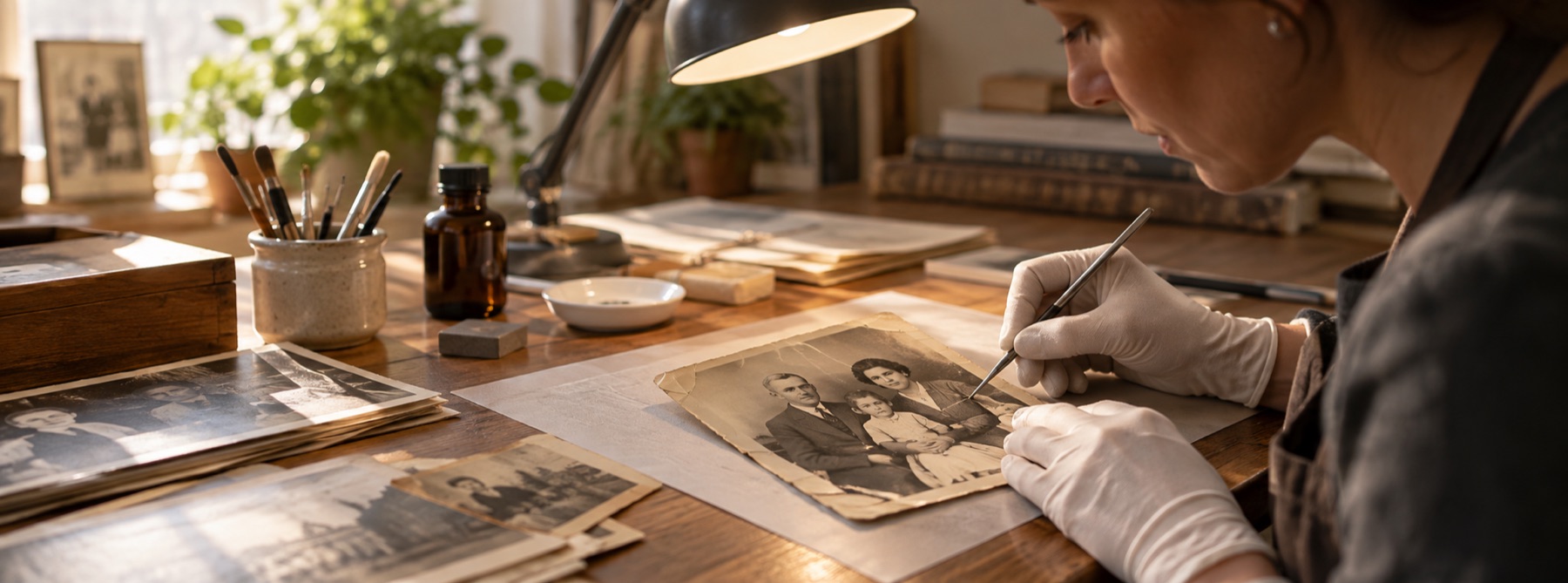
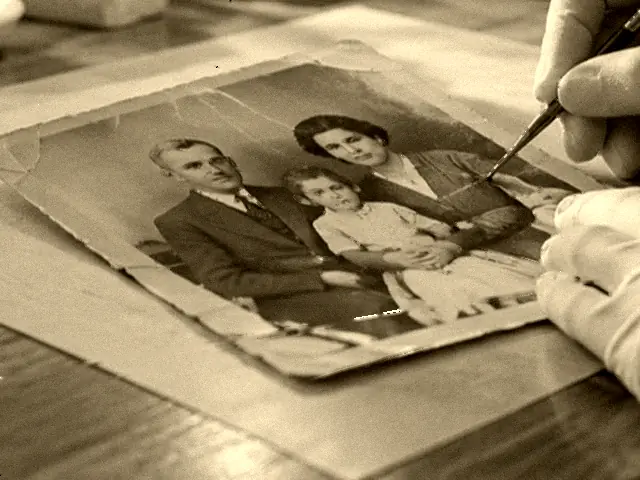
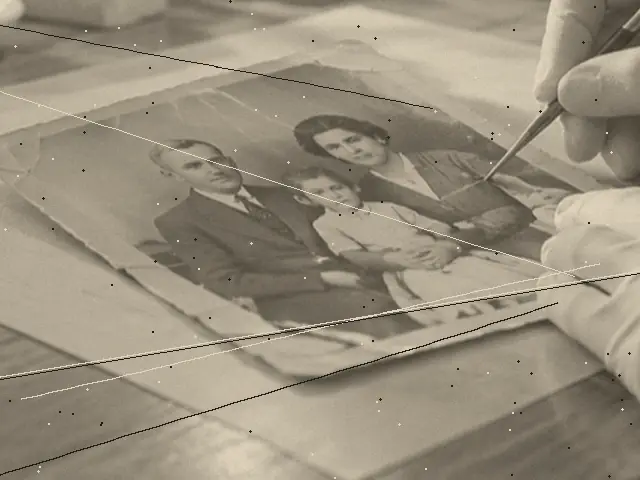
A black-and-white print fades in density, not in hue. Its blacks lift towards grey, its whites dull, and the range in between shrinks. Each end of that range is measured here on the print’s own pixels, with every marked scratch and speck excluded so a white scratch cannot set the white point, and the range is stretched back. The three channels are measured as one, from luma, and the same curve is written into all three.
A toned print is monochrome with a deliberate hue. Keep the tone corrects its density along that hue; Neutralise to grey removes it. The choice is in the Tone panel with the numbers it produces, and the recovery record says which you took.
When this is the wrong tool
- A hand-coloured or tinted black-and-white print has colour that was painted on. Use the colour route, or the colour would be removed with the cast.
- A colour print that has faded so far it looks monochrome still has dye in it. The colour route recovers what is left of each dye layer.
- Silver mirroring and deep emulsion loss are physical. A rescan at an angle helps more than any curve here.
- Colourising a black-and-white photograph is invention, not restoration, and this page does not do it.
Questions about black and white prints
Will restoring a black and white photo add colour to it?
No. On this page black-and-white-safe is on from the start: the three channels are measured and curved as one, from luma, and the colour-cast controls are switched off. A stretch that worked on each channel separately would pull a monochrome print a little towards whichever channel faded least, which reads as a faint green or magenta. Linking them makes that impossible.
My print is brown, not grey. Is that damage?
Usually not. Sepia and selenium toning were deliberate: the silver image was converted to a compound with a warm or purple-brown hue. The default, Keep the tone, corrects the print's density along its own hue, so it stays brown and gets its range back. Neutralise to grey writes the same grey into all three channels and removes the toning. Nothing here neutralises a print unless you choose it.
What about the silvery sheen in the dark areas?
That is silver mirroring: metallic silver migrating to the surface of the print. It sits on the paper rather than in the picture, so it scans as a bright, faintly blue haze in the shadows. Scanning with the print slightly tilted, or photographing it with cross-polarised light, removes far more of it than any correction afterwards. What remains reads as lifted blacks, and the black point recovers some of that.
Does the dust detector work differently on a monochrome scan?
It reads the same score, but on a silver-gelatin print it opens a little more sensitive (50 rather than 45), because dust on a black-and-white print is usually white specks on dark tone, which the structure test finds cleanly. Per-channel detection is pointless on a monochrome scan and stays off.
Is my photograph uploaded anywhere?
No. The scan is opened by this page in your browser, repaired by code that runs in this tab, and saved straight to your device. No part of it is sent.
Related
- Restore an old photographOpens on fade correction, for a print that has gone pale and warm.
- Restore a faded colour photoPer-channel fade and cast correction with dye-fade starting points for prints gone orange or magenta.
- Scratches and dustOpens with detection turned up and the brush already out.
- Restored, now colourise itWhere density stops being recoverable and colour starts being invented.