Restore a cracked photoClose every crack

Add a photo covered in fine cracks. The whole network is found at once and closed from both sides of each line.

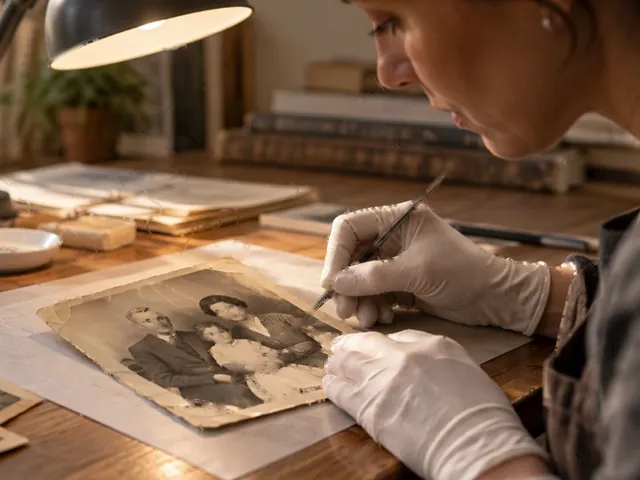
The same photograph with every crack closed from both sides
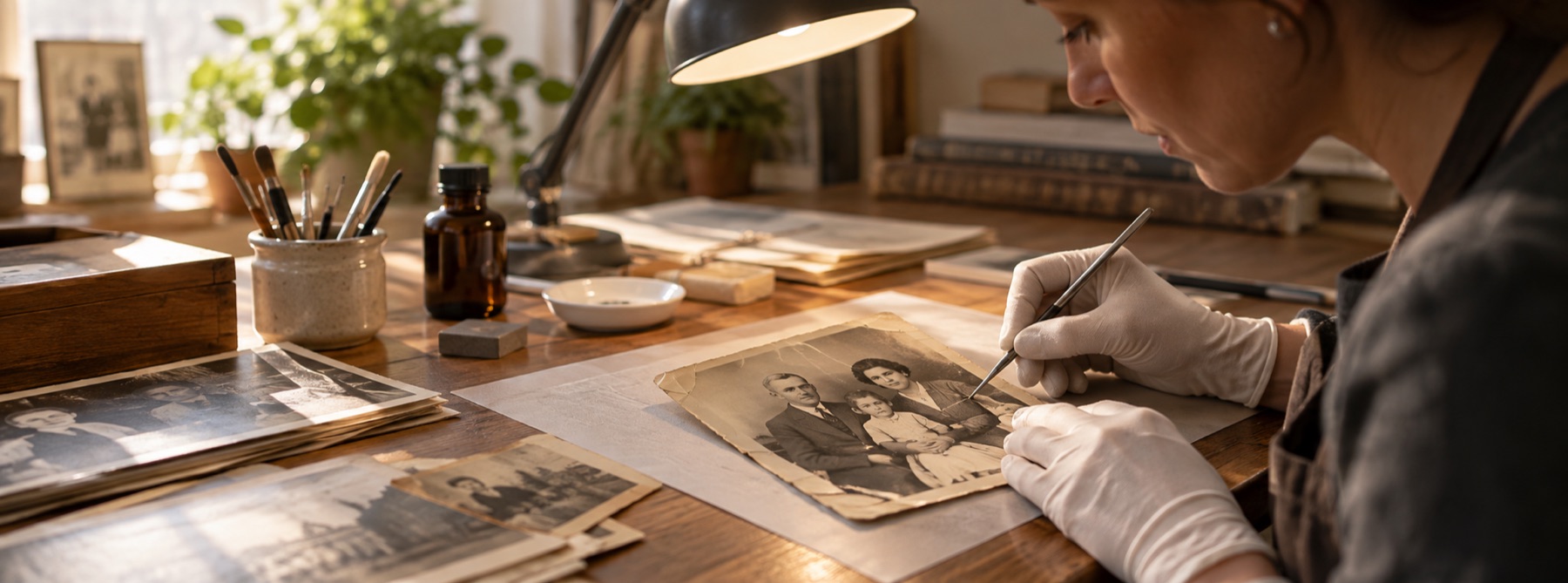
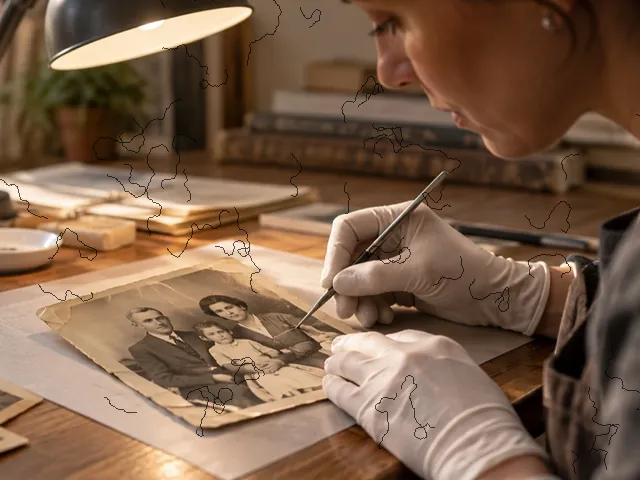
A photograph of a restorer at work, crossed by a network of fine dark cracks
BeforeAfter
A crack network, closedDrag to compare
Scan at 600 dpi or more. Crazing lines are often a single pixel wide at 300 dpi, which is too close to grain to separate reliably.

No photo handy?

FreeNo sign-up

Every request this page can make

Your picture is opened from your device and repaired in this tab. None of these requests carries it. A row marked happened has been made in this tab since it opened.

RequestWhenCarries your picture?This tab
This site's pages, scripts, styles and fontsPage loadNo● happened
Cloudflare Web Analytics beacon (cookieless)Page load, on the live domain onlyNo○ not yet
HEIC decoder (this site)The first HEIC file you openNo○ not yet
TIFF reader (this site)The first TIFF file you openNo○ not yet
ONNX Runtime (this site)The first model pass you ask forNo○ not yet
Model files (our model file server)Only when you press a button that names their sizeNo○ not yet
Contact form (Google Forms)Only when you press Send on the contact pageNo; there is no way to attach a scan○ not yet

Check it yourself: open your browser’s network panel and repair a scan.

On the bench

Fine cracks are found as a network, not one by one: every thin line is proposed on the mask, kept only if it is line-shaped, then closed from the picture on both sides.

Drop a scan of a damaged print. Nothing is filled in until the marks are on screen and you have looked at them.

The crack detector runs when the scan opens. Reach opens at 6 px so junctions where several cracks meet are filled from intact picture rather than from each other.

Scan at 600 dpi or more. Crazing lines are often a single pixel wide at 300 dpi, which is too close to grain to separate reliably.

A file that will not open at all? Open a broken file instead

What this mode does

The general detector on this site is tuned for isolated dust and scratches. A crazed print breaks that tuning: it has a dense web of lines, many of them touching, which a scratch detector either misses or rejects as one big blob. This route runs a separate detector built for the web.

It compares the scan with an opening three pixels wide, so only lines one or two pixels wide score, in both the dark and the light direction. The threshold is set from the scan’s own spread, so a dark print and a pale one are treated alike. Each connected group is then kept only if it is line-shaped: at least ten pixels long and covering little of its own bounding box.

The proposals go on the editable mask. The fill opens at a reach of six pixels, so where several cracks meet, the junction is filled from intact picture around it.

When this is the wrong tool

  • Flaked emulsion, where pieces of the picture have fallen away, is loss, not a crack. It is classified as gone and is not filled by the automatic pass.
  • A crack running along a strong edge in the picture (a jaw line, a door frame) may be left out by the shape test or may pull the edge with it. Check the mask there.
  • Cracks in glass over a framed print are not on the print. Take it out of the frame before scanning.

Questions about cracked photos

Why do old photos crack like this?
Crazing happens when the gelatine layer that holds the picture dries, shrinks and becomes brittle, or when the print has been flexed. The emulsion splits into a net of fine lines. Dirt collects in some of them, so they scan dark; in others the emulsion has lifted and they scan light.
How is this different from the scratch route?
The scratch route looks for a few marks against a clean picture. Crazing is hundreds of thin lines that touch each other. This route uses a thinner test (lines one or two pixels wide), sets its threshold from the scan's own spread rather than a fixed level, keeps every group that is line-shaped however many there are, and opens the fill with a wider reach so junctions are closed from picture, not from other cracks.
It marked the edge of a sleeve or a strand of hair. What now?
Unmark it with the mask brush, or lower the strength and press Find again. A hair is a thin line too, so a detector that finds cracks will sometimes find hair; that is why nothing is filled before you have seen the mask.
Can a badly cracked face be repaired?
Thin cracks across a face close well, because there is intact picture on both sides of each line. Where flakes of emulsion have fallen out, the picture is gone. The record classifies those regions, and a model can redraw them on the AI route only if you ask, with every invented pixel marked.
Is my photo uploaded?
No. The scan never leaves this tab.

Related

Photographic visual for Cracked Photos
Cracked Photos