Restore a newspaper photoLose the newspaper dots

Add a scan of a printed photo. The dot pattern is found and taken out, then marks and fading are repaired.

The same photograph with the dot screen measured and removed
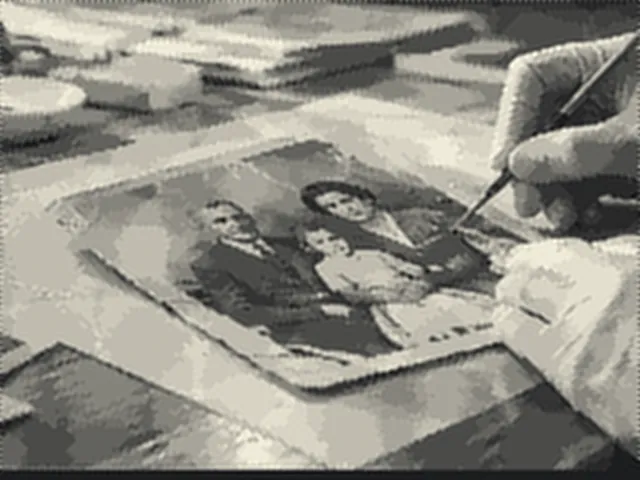
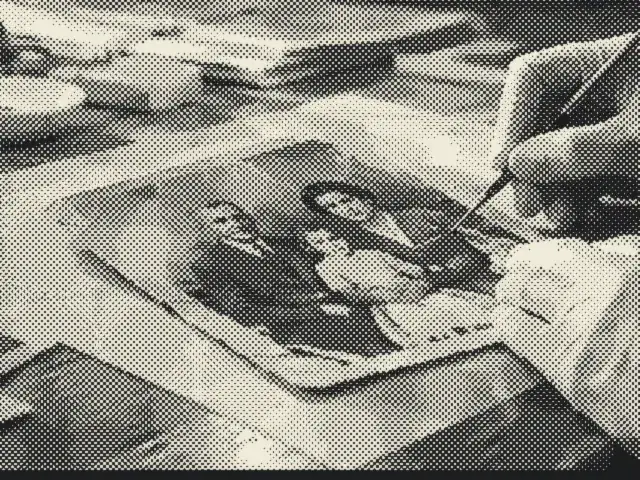
A printed newspaper photograph made of visible halftone dots
BeforeAfter
Halftone dots removedDrag to compare
Scan the clipping at 600 dpi or more, flat under glass. Every dot must be resolved for the screen to be measured; a coarse scan turns it into moiré.

No photo handy?

FreeNo sign-up

Every request this page can make

Your picture is opened from your device and repaired in this tab. None of these requests carries it. A row marked happened has been made in this tab since it opened.

RequestWhenCarries your picture?This tab
This site's pages, scripts, styles and fontsPage loadNo● happened
Cloudflare Web Analytics beacon (cookieless)Page load, on the live domain onlyNo○ not yet
HEIC decoder (this site)The first HEIC file you openNo○ not yet
TIFF reader (this site)The first TIFF file you openNo○ not yet
ONNX Runtime (this site)The first model pass you ask forNo○ not yet
Model files (our model file server)Only when you press a button that names their sizeNo○ not yet
Contact form (Google Forms)Only when you press Send on the contact pageNo; there is no way to attach a scan○ not yet

Check it yourself: open your browser’s network panel and repair a scan.

On the bench

The dot screen of a printed photo is measured in the scan's frequency spectrum, shown as lines per inch and an angle, and removed before the usual repair.

Drop a scan of a damaged print. Nothing is filled in until the marks are on screen and you have looked at them.

The dots are removed before the bench opens. Dust detection opens a little lower (40), because a descreened picture is softer than a photographic print and fine detail would otherwise be marked.

Scan the clipping at 600 dpi or more, flat under glass. Every dot must be resolved for the screen to be measured; a coarse scan turns it into moiré.

A file that will not open at all? Open a broken file instead

What this mode does

A halftone is a regular pattern, and a regular pattern is easy to find in the frequency domain: it shows as sharp peaks at the screen’s frequency and its harmonics, in the directions the grid runs. The page takes a 2-D FFT of up to five 256-pixel tiles from the scan, averages their spectra, and finds peaks that stand well above the surrounding level.

It then builds a filter with a soft notch at every peak and a gentle roll-off above the screen frequency, and applies it to each colour channel in half-overlapping tiles whose window sums to one, so there are no seams. The measured screen is shown as lines per inch at your scan resolution, and its angle.

After that the picture opens on the bench, where folds, dust and fading are repaired as for any other scan.

When this is the wrong tool

  • A photographic print, even an old one, has no dot screen. The page says when none is found; skip the step.
  • A scan too coarse to resolve the dots shows moiré instead of a clean grid, and the peaks may not be found. Rescan at 600 dpi or more.
  • Text printed over the picture, or a picture with a strong regular pattern of its own (a tiled floor, a woven fabric), can share frequencies with the screen. Check the preview crop.

Questions about newspaper photos

Why does a newspaper photo look dotty when scanned?
Newspapers and magazines print photographs as a halftone: a grid of dots whose size varies with the tone. At reading distance the eye blends them; a scanner sees every dot. Enlarge the scan and the grid appears, often with moiré where it beats against the scanner's own grid.
How is the screen found?
A two-dimensional Fourier transform of a few tiles of the scan turns the regular grid into a handful of sharp peaks away from the centre of the spectrum, where the picture itself lives. The page finds those peaks, reports the screen's frequency as lines per inch at the scan resolution you give, and its angle.
What does removing it do?
Each peak is removed with a soft notch, and everything finer than the screen itself is rolled off, because detail finer than the dots was never printed. The scan is processed in overlapping tiles that add back exactly, in every colour channel. A 1:1 crop shows the result before you continue.
Will it make the photo as sharp as the original print?
No. The newspaper only ever printed as much detail as its dot pitch allowed, and that is all a scan can recover. Removing the dots makes the picture readable and smooth; it does not add detail the paper never carried.
Is my scan uploaded?
No. The spectrum, the filter and the repair all run in this tab.

Related

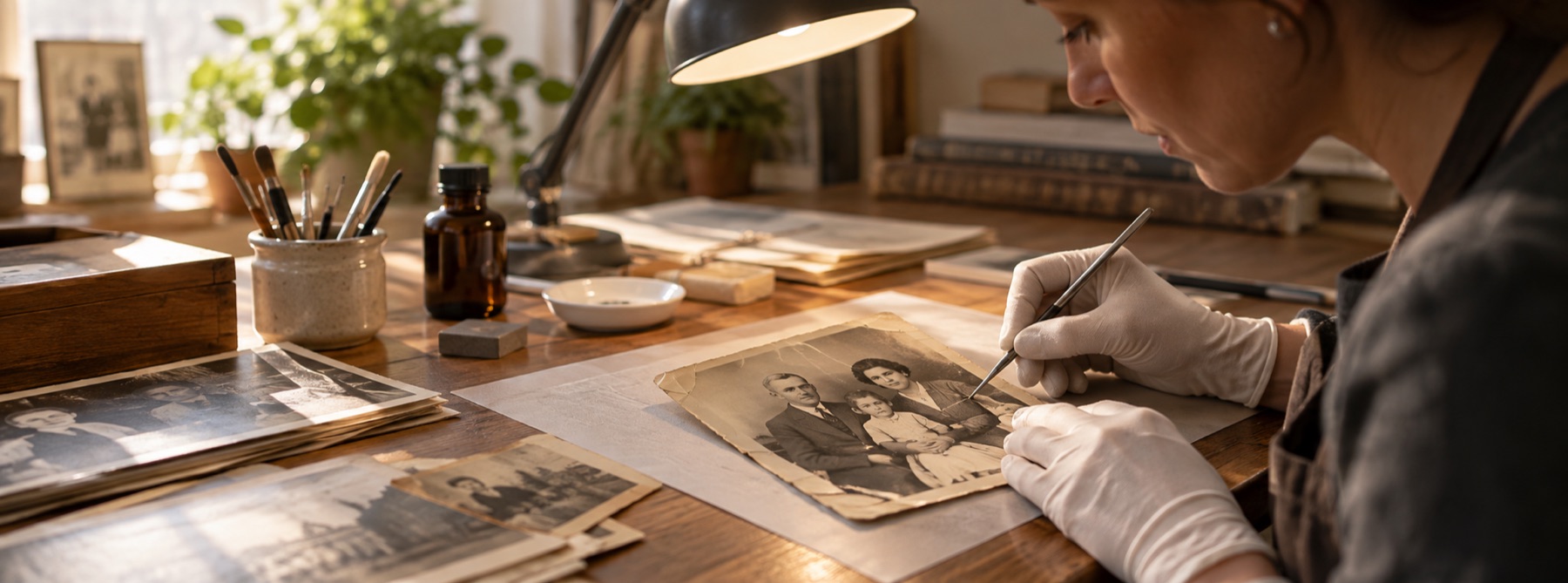
Photographic visual for Newspaper Photo Restoration
Newspaper Photo Restoration