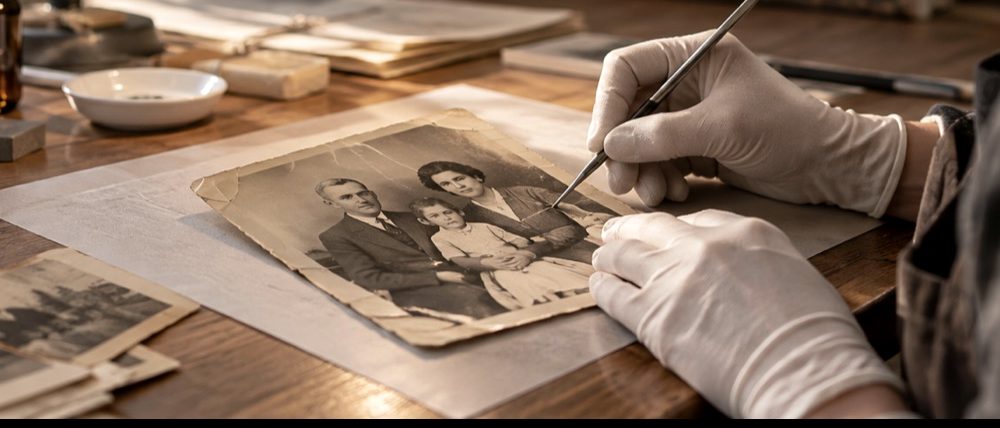
Photos from a failed SD card
A card that fails rarely fails cleanly. Some photos are perfect, some open with a grey band, some will not open, and some have vanished. Those are different problems with different fixes, and the first job is to tell which one each file has. This page explains what a file can still give back on its own, and where the job moves from the file to the card.
First, stop writing to the card
Every new photo, and every “format” the camera offers, can overwrite data that is still recoverable. Take the card out, put it somewhere safe, and copy whatever files the computer can see onto another drive. Work on the copies. Keep the card as it is until you are sure you have everything you can get.
What a failed write leaves behind
A camera writes a photo as one file, from the first byte to the last. If power is lost, the card is pulled out, or a cell in the card fails during that write, the file is left in one of a few recognisable states. The table sorts the usual symptoms by what is going on inside the file.
| What you see | What is in the file | What can be recovered |
|---|---|---|
| Top of the photo fine, grey band below | The file ends early: the write stopped part-way | Recoverable from the file: keep the top rows byte for byte, add the end marker |
| Photo opens, then a block of wrong colours or a shifted stripe | Bytes in the middle are wrong or missing | The rows above the fault are recoverable; below it the picture is scrambled |
| File will not open at all, size is right | Often zeros or FF bytes where the header or picture was | Check it: if the header is intact the top may still decode; a whole file of zeros holds nothing |
| File name present, size 0 bytes | The directory entry was written, the data was not | Nothing in the file to recover; only card-level recovery can look for the data |
| Photos missing altogether, card asks to be formatted | The card's file table is damaged | Card-level recovery, before anything else is written to the card |
What this site can do with a file
The file tools here read the bytes of each photo in your browser. For a JPEG they walk the markers to the point where the file breaks, keep every byte before it exactly as the camera wrote it, and add the end marker, so the top of the picture opens again without being re-encoded. They also look for the small preview pictures cameras embed in the file, which are sometimes complete when the main picture is not. For a PNG they check every chunk’s checksum and keep the chunks that survive. Many files can be checked at once, as you would after copying a card.
What they cannot do is find data that is not in the file. A 0-byte file, or a photo the card’s table no longer lists, is a card-level problem.
When the problem is the card, not the file
- Missing photos, or a card that asks to be formatted: card-level recovery software reads the raw card looking for the start of each photo. Run it on the card (or an image of the card), not on copied files.
- A card the computer does not see at all, or one that has been physically damaged, needs a data-recovery service with the right equipment. Software cannot reach it.
- Recovered files from card-level tools often come back with the same cut-off endings described above. Bring those files to the file tools here afterwards.
Where to go next
- Fix corrupted photosMany files at once: each is identified by its bytes, walked, and recovered byte for byte where it is a JPEG or a PNG.
- Repair a corrupted JPEGName the byte where it broke and save the surviving original bytes with an end marker, not a re-encode.
- The half-grey JPEGWhat a cut-off JPEG loses, why the grey band is not damage, and what ten cut points in one file show.